
Travel app for iOS and Android
Route, itinerary and expenses. All in the same trip.
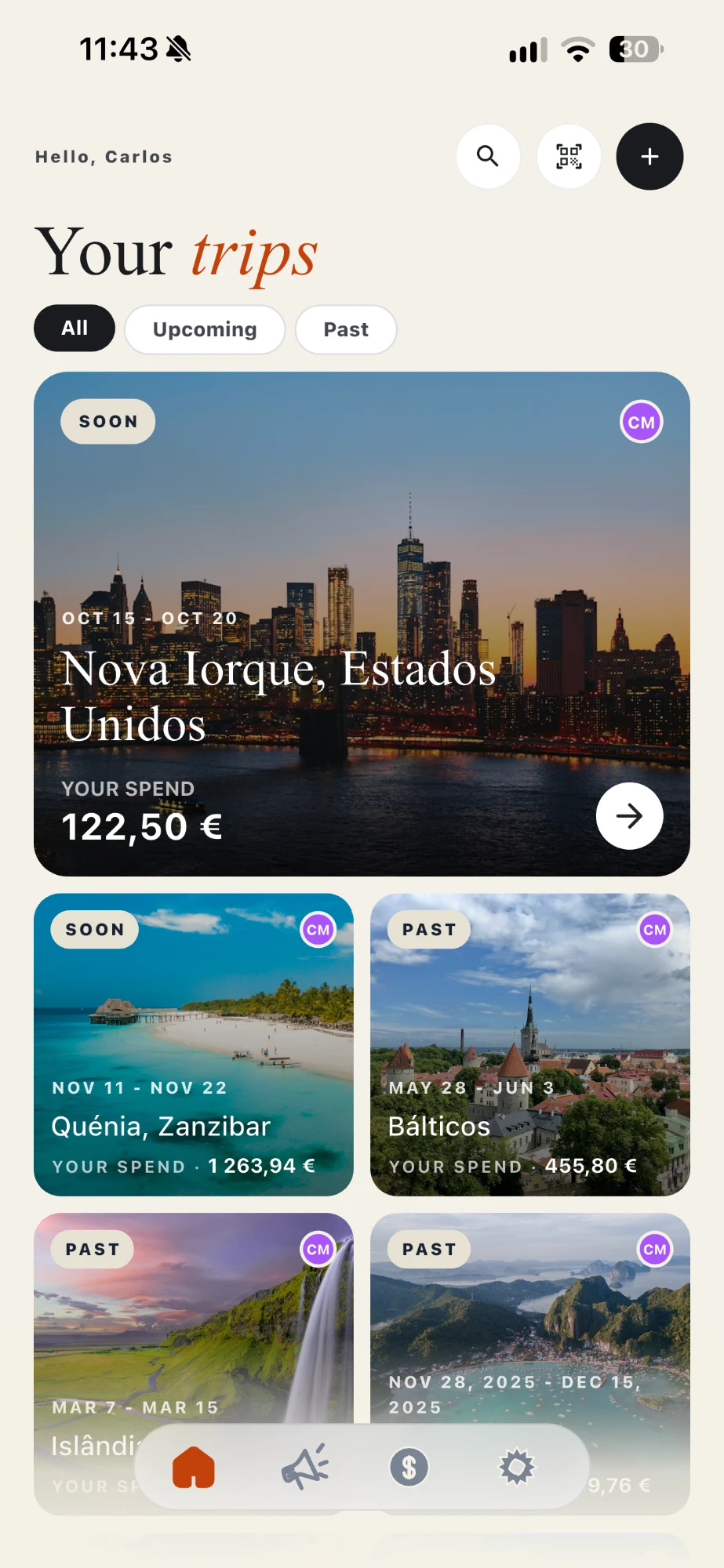
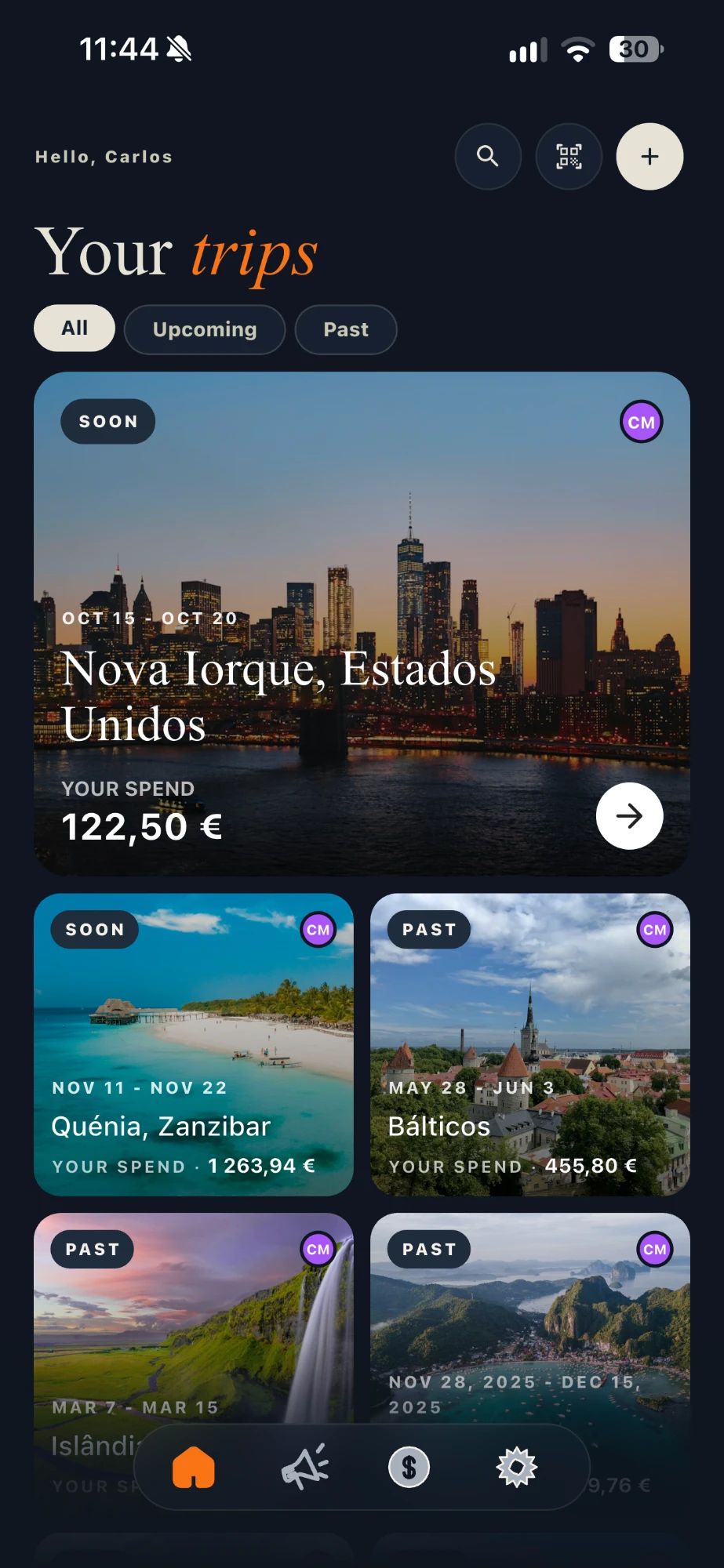
TravelWise brings together what is usually scattered across notes, emails and spreadsheets: the cities and nights, the plan for each day and who paid for what. You share it with whoever is travelling with you, and what you have already opened keeps working offline.
Free to download. The AI itinerary is optional and works with credits.
What the app does
Six things the app does.
No promises the app does not keep. This is what is in it today.
- 01
Multi-city trips
Build the route in the right order, with the nights in each city, how you get there (train, plane, bus, car or boat) and, if relevant, your Interrail or Eurail pass. A stop with 0 nights is a day trip.
- 02
Day-by-day itinerary
Each day is a timeline: points of interest, meals, times and the way from one stop to the next.
- 03
Expenses and splitting
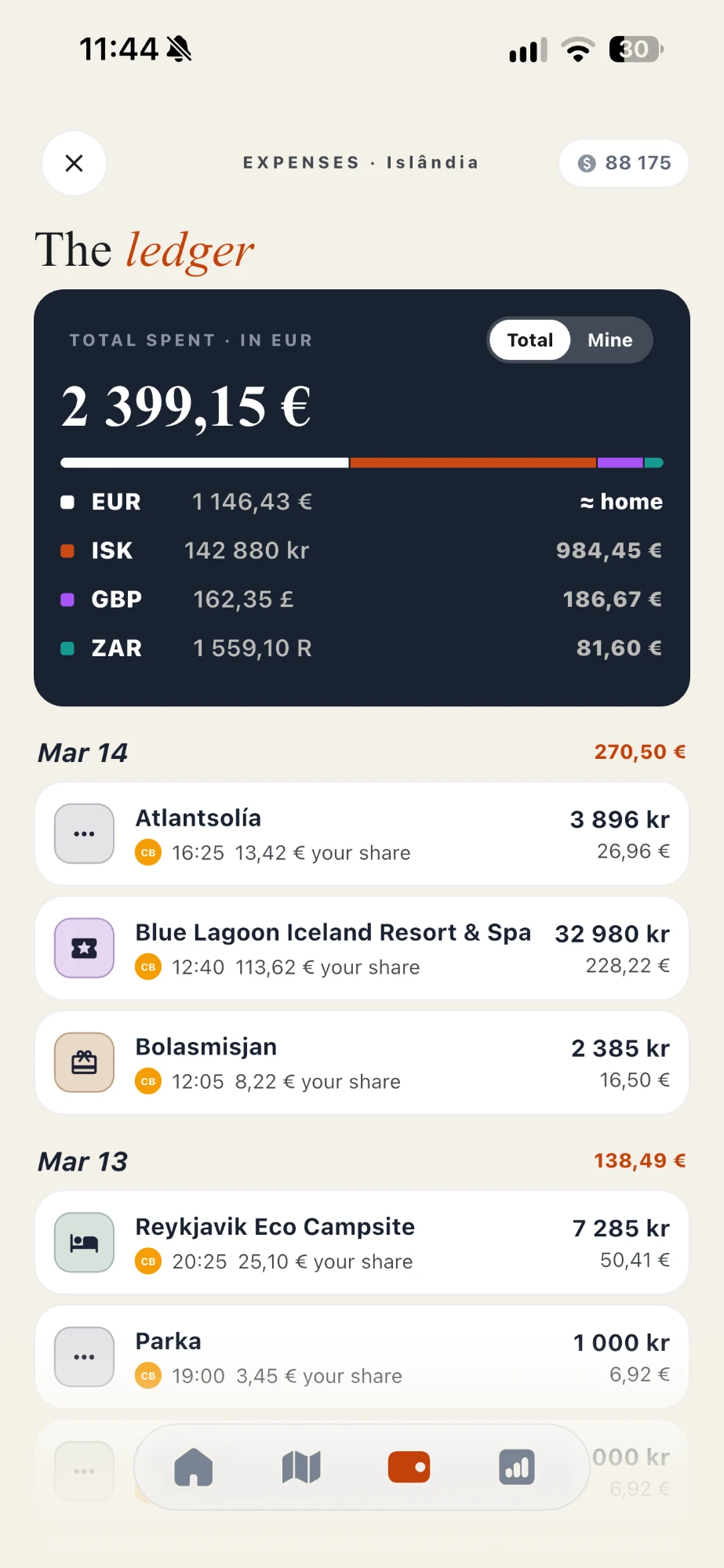
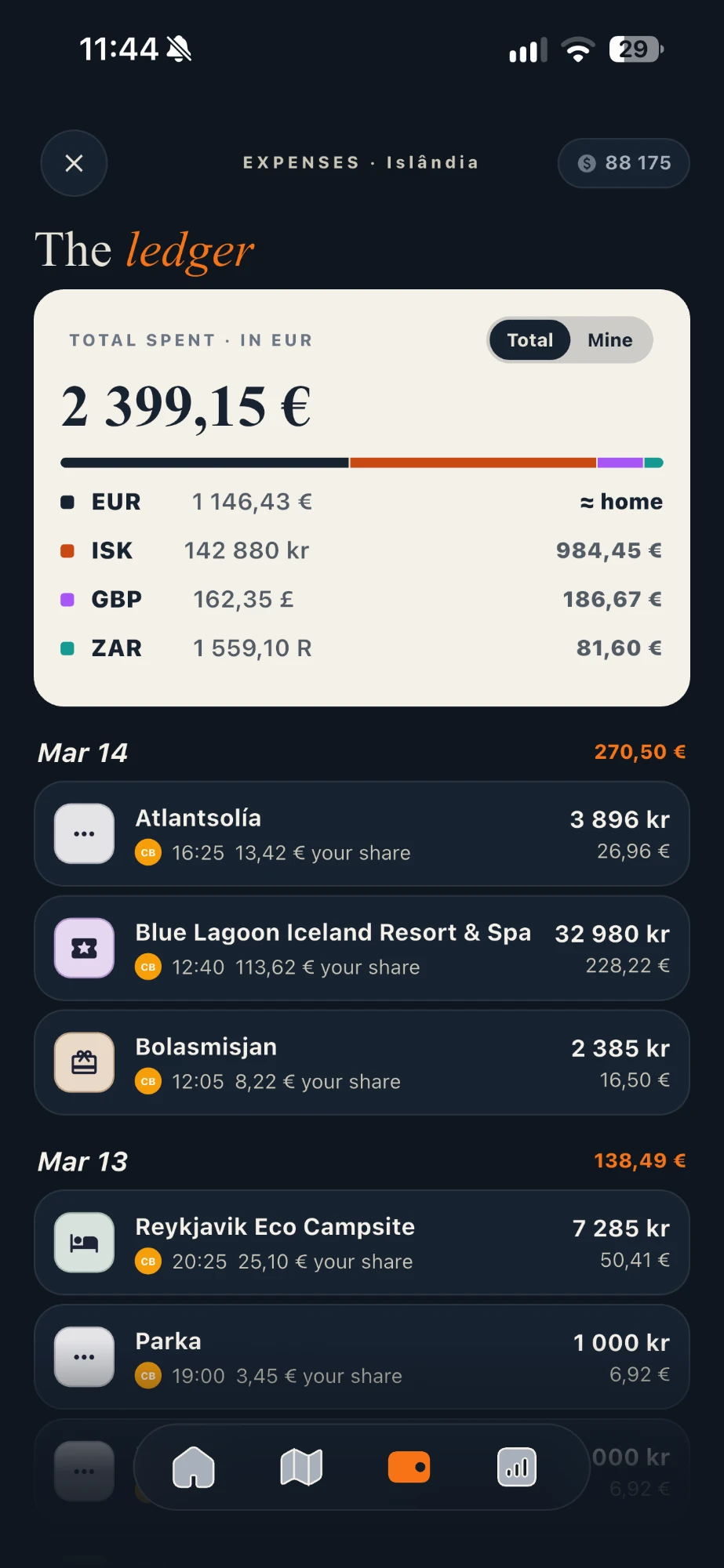
Log spending in any currency, split equally or by fixed amounts, see who owes whom and settle up. You can import Revolut and Wise CSV statements.
- 04
Trip journal
Notes and photos from each day, stored with the trip they belong to.
- 05
Share with who is going
Invite by link or QR code. Each person joins as a collaborator, who can edit, or as a viewer.
- 06
AI itinerary, by credits
Suggests points of interest and organises days, with written limits. Below we say what it does and what it does not.
The day, hour by hour
The itinerary shows what comes next and how you get there. Routes between stops appear on the day itself, with the mode and duration.
- Points of interest, meals and routes
- Day trips from the city where you sleep
- City changes on the right day of the route


Settling up, no arguments
Each expense knows who paid and who it is split between. In the end, the app shows the balances and helps you settle them.
- Multiple currencies, with conversion
- Equal or fixed-amount split
- Import Revolut and Wise CSV statements
The AI itinerary
What the AI does and does not do.
The AI picks from a closed list of actions, each with its own screen and price. Requests outside the list are declined, and the app tells you the next step.
Does
- Suggests points of interest for one city, or for all the trip’s cities at once (a whole Interrail in a single request).
- Knows where each city sits on the route: on a two-day stop, it sticks to the essentials near the centre and the station.
- Organises the itinerary, for one day or the whole trip, with times, meals and the way from one point to the next. Needs at least 3 points of interest.
- Puts the journey between cities on the right day, by the mode you chose on the route, with a duration estimated from the distance.
- During the trip, finds restaurants a few minutes’ walk from where you are. Suggests where to sleep in a country without cities.
- Plans up to 31 days in a single request.
Does not
- Does not book or buy anything, and does not write to the itinerary without your choice.
- Does not know real train or flight times, free seats or today’s prices. What it gives are estimates, and it says so.
- Does not choose for you how to get from one city to another. With no mode chosen, the leg stays undefined.
- Does not organise without points of interest: it does not invent places to put in order.
- Does not plan more than 31 days, or more than 15 days in a row in the same city, in a single request.
- Does not answer free-text requests. The actions above are all there is.
How credits work
Credit prices and pack prices always come from the app itself.
- Each AI action has a price in credits, which you see before confirming.
- When a generation starts, credits are held. In the end, you only pay for what was delivered. If the generation fails, the credits come back to you.
- New accounts get welcome credits. To get more, buy packs or monthly Premium inside the app, through the App Store or Google Play.
- Credits are only for the AI. Everything else in the app works without them.
Privacy
Your data, in three sentences.
No ads
The app has no advertising or ad SDKs. Usage data is used to keep the app running and to improve it.
Delete everything from the app
Under Settings → Delete account, the account and associated data are permanently erased.
A site without tracking
This site uses no cookies or analytics.